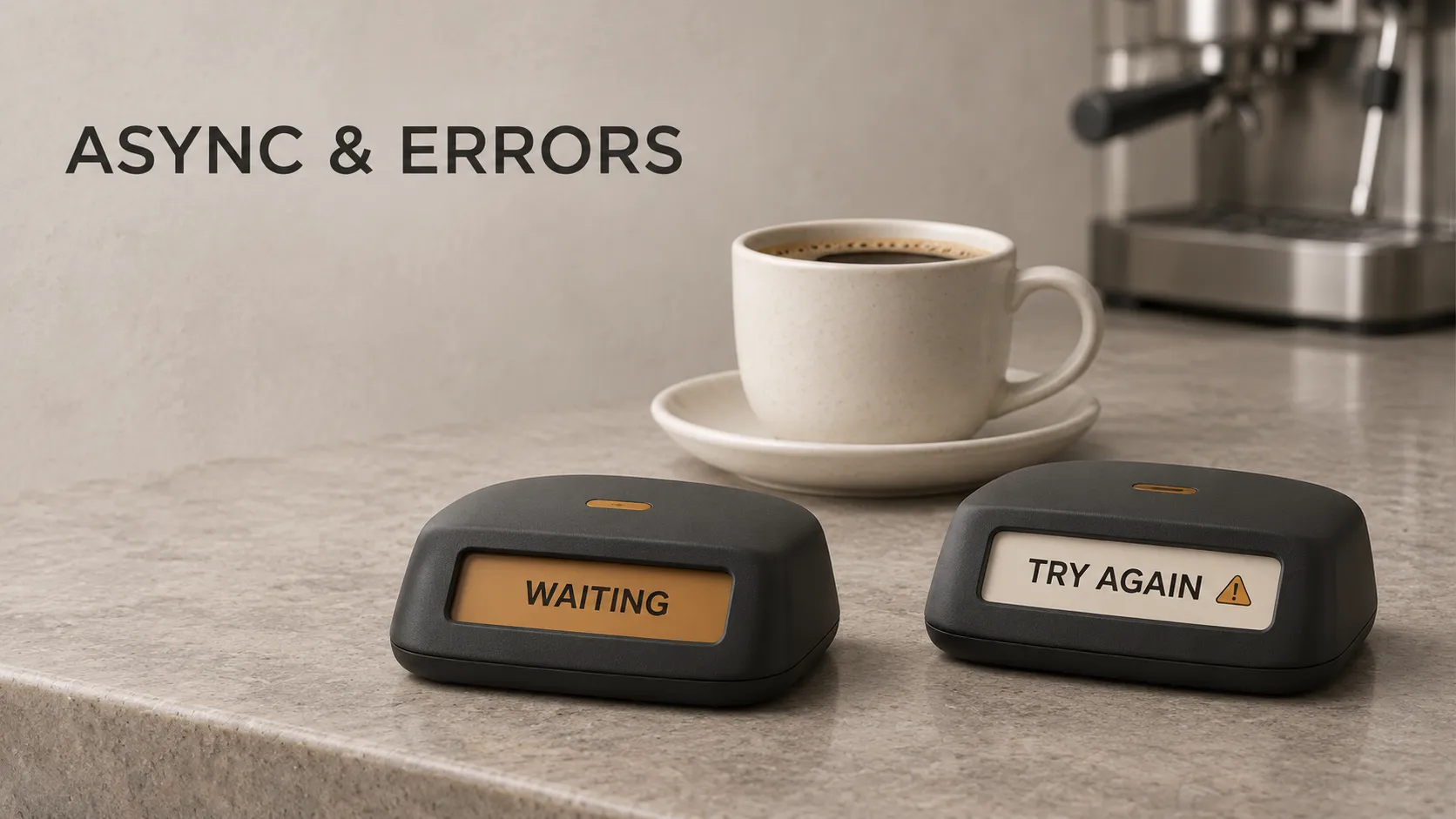
You open a booking app and check whether a workshop has seats available. The app sends a request to a server, but the answer takes a moment to arrive. During that wait, you should still be able to scroll, read the workshop details or leave the screen.
What happens if the connection fails? The app should stop showing an endless loading indicator and explain what you can do next. It should also avoid presenting missing information as a confirmed result.
Async programming and error handling address these connected problems. Asynchronous programming lets code manage work whose result becomes available later. Error handling defines how the application responds when that work cannot produce the expected result.
We will follow one booking feature from a button press to a result, using an everyday analogy and a small Dart example.
What Is Async Programming?
Async is short for asynchronous. In programming, it describes a way to organise operations that can finish later, allowing other work to make progress while those operations are pending.
Common examples include requesting information from a server, reading a file and accessing a database through an asynchronous API.
The important distinction is between doing work and waiting for something else to finish. A network request can spend much of its time waiting for a response. The application does not need to freeze during that wait.
Think of ordering at a café
You order a coffee and receive an order number. The cashier can serve another customer while your drink is being prepared. When the coffee is ready, your number is called.
Your order number represents a result that is coming later. It is not the coffee itself.
An asynchronous operation works in a similar way. Your code receives something representing a future result, and it can arrange what should happen when that result becomes available.
If the café runs out of milk, the process needs another outcome: someone explains the problem and offers an appropriate next step. In an application, that is part of error handling.
Synchronous and Asynchronous Code Explained
In a synchronous sequence, each operation finishes before execution moves past it. That is appropriate for many short tasks, such as calculating a total or checking whether a number is positive.
Problems arise when a blocking operation occupies the execution resource responsible for responding to user interactions.
With an asynchronous API, the program can start an operation and resume the code that needs its result later. While it is waiting, other eligible work can run.
Does async make a request faster?
A server might take the same amount of time to answer either way. Async changes how the application uses that waiting time.
In the booking app, a responsive screen and a fast server are separate concerns. Async can help preserve responsiveness while the request is pending; improving server response time requires examining the server, network and data access.
Does async mean another thread is doing the work?
No. Adding async to a Dart function does not automatically move its code to another thread or isolate.
Dart uses an event loop to coordinate asynchronous events within an isolate. Heavy synchronous computation can still occupy that isolate and delay other work.
For example, an expensive image-processing calculation may require a separate isolate on supported platforms. Merely placing it inside an async function does not solve the problem.
What Are Future, Async and Await in Dart?
Three terms appear frequently in Dart asynchronous code:
- Future: an object representing an operation's eventual completion, with a value or an error.
- async: a keyword used to declare an asynchronous function body.
- await: an expression that waits for an asynchronous result before continuing that function's dependent work.
In the café analogy, the future resembles the order number. Using await means that the part of your code needing the coffee waits for the result. It does not require the cashier to stop serving everyone else.
Future<int> means that an operation can eventually produce an integer. For our booking feature, that integer could be the number of available seats.
Future<void> describes completion without a useful return value. It can still complete with an error.
The official Dart asynchronous programming tutorial provides interactive exercises for these concepts.
Follow One Request Across the Application
Suppose the customer taps “Check availability.” A possible flow is:
- The screen shows that availability is loading.
- The feature's coordinating code asks a repository for the available seat count.
- The repository delegates the external request to an API service.
- The server checks its data and sends a response.
- The application interprets the response.
- The screen displays availability or an appropriate failure state.
The request travels towards the data source. The result, or failure, comes back through the code waiting for it.
These responsibilities build on objects, interfaces and responsibilities in app code. Async adds a timing question: what should each part do while the result is pending, and after it arrives?
A received response is not automatically a successful booking
The server might respond that the workshop is full, the user must sign in or the request contains invalid information.
The client must interpret the response according to the API's contract. It should also handle data that cannot be parsed or does not have the expected structure.
For this feature, checking availability only reads information. Reserving seats is a separate action with its own server-side rules.
A Small Dart Example With Success and Failure
This console example has an API service, a repository and a function that presents the result. The service simulates a delay rather than contacting a real server.
import 'dart:async';
import 'dart:developer' as developer;
class BookingApi {
final bool simulateFailure;
BookingApi({this.simulateFailure = false});
Future<int> fetchAvailableSeats() async {
await Future<void>.delayed(const Duration(seconds: 1));
if (simulateFailure) {
  throw TimeoutException('Availability request timed out.');
}

return 2;
}
}
class BookingRepository {
final BookingApi api;
BookingRepository(this.api);
Future<int> getAvailableSeats() {
return api.fetchAvailableSeats();
}
}
Future<void> loadAvailability(
BookingRepository repository,
) async {
print('Loading availability...');
try {
final seats = await repository.getAvailableSeats();
if (seats == 0) {
  print('This workshop is full.');
} else {
  print('$seats seats available.');
}
} catch (error, stackTrace) {
developer.log(
'Could not load workshop availability',
name: 'booking.availability',
error: error,
stackTrace: stackTrace,
);
if (error is TimeoutException) {
  print('Availability took too long to load. Please try again.');
} else {
  print('Availability could not be loaded right now.');
}
} finally {
print('Loading finished.');
}
}
Future<void> main() async {
final repository = BookingRepository(BookingApi());
await loadAvailability(repository);
}
The successful path prints:
Loading availability...
2 seats available.
Loading finished.
To explore the failure path, change the service creation in main():
final repository = BookingRepository(
  BookingApi(simulateFailure: true),
);
The presentation messages become:
Loading availability...
Availability took too long to load. Please try again.
Loading finished.
The diagnostic log is separate from these presentation messages. The timeout is deliberately thrown for demonstration; the example does not measure a real network timeout.
The service produces a future
fetchAvailableSeats() returns a Future<int>. After the simulated wait, it returns a seat count or throws an exception.
The delay represents waiting. A real implementation would use an HTTP client or another asynchronous data source.
The repository passes the future back
getAvailableSeats() returns the service's future directly. It does not need an additional async body because it performs no further work with the result.
This illustrates an important point: every layer does not need its own await and try-catch. A function can return a future so its caller can observe completion.
Await connects the result to the presentation logic
The line containing await repository.getAvailableSeats() waits before deciding which availability message to show.
If that future completes with an error, execution moves to the matching error handler instead of continuing with the success message.
Finally handles the end of this loading attempt
The finally block runs when control leaves the try-catch statement, whether the attempt succeeded or failed.
Here it prints a message. In a mobile app, corresponding code can clear the loading state, provided the relevant screen or state owner is still active.
Where Should Error Handling Happen?
Handle an error where the code can make a useful decision: recover, translate it into a meaningful failure, or present the outcome to the user.
For the booking feature, a reasonable division is:
- API service: interprets transport responses and validates the response format.
- Repository: applies data access policy, such as using a suitable cached result or passing the failure onwards.
- View model or controller: chooses the loading, success or failure state.
- View: displays that state and any available action.
This follows the separation of responsibilities described in Flutter's app architecture guidance. The exact structure should fit the feature.
Avoid catching an error and pretending the request succeeded
If loading availability fails, returning 0 as a fallback would tell the rest of the app that the workshop is full.
Those are different outcomes. Zero available seats is valid information. A failed request means the application does not know the current availability.
If a layer catches an exception but cannot recover, it can allow the failure to continue. In Dart, rethrow inside a catch block preserves the original exception's stack trace.
The broad catch in our example sits at the presentation boundary and records diagnostic information. A lower-level helper should not routinely absorb every failure.
Design Loading and Error States Together
Before implementing a request, decide what the customer should see in each meaningful state:
- Idle: availability has not been requested.
- Loading: the request is in progress.
- Success: the current seat count is available.
- Full: the request succeeded, but no seats remain.
- Failure: availability could not be retrieved.
For a list of workshops, an empty list might also be a valid successful result. The wording should explain that no workshops matched, rather than implying a technical failure.
Keep customer-facing messages actionable. “Availability took too long to load. Please try again” is more useful than displaying a raw exception or stack trace.
What Happens if the User Leaves or Changes Their Request?
A response can arrive after the customer has left the screen. In Flutter, a disposed State object must not be updated with setState(). Code that updates it after an asynchronous wait must account for its lifecycle.
There is another problem even when the screen remains open. The customer might check Workshop A and then switch to Workshop B. If A's slower response arrives last, it could overwrite B's information.
Associate results with the request that produced them. Depending on the implementation, use request identifiers, cancellation support or state-management behaviour that ignores superseded results.
A mounted check addresses whether a Flutter state object still exists in the tree. It does not establish that a response belongs to the latest request.
Timeouts and Retries Need Different Decisions
A timeout limits waiting
A timeout sets a limit on how long the application waits through a particular operation. Choose that limit for the operation and product requirements; there is no single duration suitable for every request.
Dart's Future.timeout() creates a future with a waiting limit. It does not automatically cancel the original operation, which may still finish later.
A retry repeats an operation
Retrying a failed availability lookup may be reasonable for a temporary connection problem. Repeatedly retrying invalid input will not fix that input.
Automatic retries should have limits and delays. Backoff increases the delay between attempts, while jitter varies those delays so many clients do not all retry together.
A timed-out booking may still have been saved
Creating a reservation is more complicated than reading availability. The server might save the booking while its response fails to reach the phone.
The customer sees a timeout, but the server may already have completed the action. Repeating the submission without safeguards can create duplicates.
For operations that change data, design duplicate protection with the backend. An idempotency key can identify repeated attempts as the same intended operation when the API supports that behaviour.
The app may also need to check the reservation status before deciding what to show. A timeout alone cannot establish whether a write succeeded or failed.
Should Async Operations Run Sequentially or Concurrently?
Use sequential steps when one operation needs another's result. The application must obtain a newly created reservation's identifier before requesting details using that identifier.
Independent operations can sometimes overlap. Workshop descriptions and venue information might be loaded independently if neither request depends on the other.
Dart's Future.wait() can collect the results of multiple futures. If one fails, the combined future completes with an error; it does not automatically provide a usable partial-success result or cancel the remaining operations.
Decide what the screen actually requires. An optional venue photo failing to load should not necessarily prevent the customer from reading successfully retrieved workshop details.
How to Debug an Async Failure Across the App
Begin with a reproducible sequence: which screen was open, which action started the request and what happened next?
Useful diagnostic information includes:
- The operation being performed, such as loading workshop availability.
- A request identifier that can connect client and server records.
- The exception and original stack trace.
- The response status, when a response exists.
- The elapsed time and retry attempt.
Record the information needed to diagnose the failure without including credentials, access tokens or unnecessary personal data.
Avoid logging the same failure independently at every layer. Keep enough context to follow one failed operation through the system.
Flutter also provides framework and platform error handlers for reporting otherwise unhandled errors. These handlers support diagnostics; the feature still needs its own appropriate loading state, message and recovery behaviour.
What Should You Test?
A feature that works on a fast connection has only demonstrated one path. Useful scenarios for the booking app include:
- A successful response with available seats.
- A successful response with zero seats.
- A delayed response or timeout.
- A response containing unexpected data.
- Two requests completing in a different order from when they started.
- The customer leaving before the request finishes.
- Repeated taps on a submission button.
- A booking submission whose outcome is temporarily unknown.
Check the resulting state and behaviour. Does loading end? Does a failure remain distinguishable from valid data? Can an older response overwrite a newer one? Can a repeated submission create a duplicate?
Frequently Asked Questions
Does await freeze the whole app?
Awaiting an asynchronous operation suspends the dependent continuation of that function while other eligible work can run. Heavy synchronous work in the same isolate can still make the interface unresponsive.
Can try-catch catch an async error?
Yes, when the future is awaited inside the try block. Starting an asynchronous operation without awaiting or otherwise handling its future does not give the surrounding try block responsibility for its later failure.
Must every future be awaited immediately?
No. A future can be returned to a caller or handled through another deliberate mechanism. The important point is to define who observes its completion and handles failure.
Can I use an empty catch block?
An empty catch block hides the failure from that path. Unless ignoring the failure is an explicit and justified decision, recover meaningfully, report it or let the appropriate caller handle it.
Is every unsuccessful outcome an exception?
No. A full workshop can be an ordinary result of a successful availability request. Applications can also represent expected failures using explicit result types. What matters is that callers can distinguish the outcomes and respond correctly.
Will a global error handler fix a failed request?
No. It can help report an unhandled problem, but it does not automatically restore the feature's state or decide whether retrying is appropriate.
Plan the Waiting and Failure Paths Before Shipping
For each asynchronous feature, identify what starts the work, who waits for the result, how success is represented and where failure is handled. Include what happens when the customer leaves, retries or changes their request.
In the booking app, reading availability and creating a reservation need different recovery decisions. Making those decisions explicit helps the interface communicate what the application actually knows.
If your MVP needs API integrations, or an existing app has recurring loading and request failures, explore Damien Musy's expertise for support reviewing the mobile and backend flow, clarifying error handling and planning the implementation.