Software is the collection of programs and instructions that makes a computer or device perform tasks. It lets you send a message, edit a photo, book an appointment or check your bank balance. It also runs less visible processes, such as managing memory and checking whether someone can access an account.
You do not need to know how to code to understand software. A useful starting point is to look at what happens when you use it: you provide information or request an action, the system processes it, and you receive a result.
For someone planning an app or another digital product, understanding that process helps separate a screen design from a working service.
What does software do?
Software handles tasks according to its programmed behaviour. Those tasks can be simple, such as adding two numbers, or involve several connected systems, such as confirming an online booking.
In everyday use, software can:
- Process information: calculate an invoice total or sort a list of appointments.
- Store and retrieve records: save a customer profile and display it later.
- Support communication: deliver messages, video calls or notifications.
- Automate work: send a reminder before an appointment.
- Control devices: operate a camera, printer or connected thermostat.
- Manage access: decide which information a signed-in user can see.
A single application can combine several of these functions. A booking app, for example, might display available appointments, accept a reservation and notify the business.
Software vs hardware: what is the difference?
Hardware is the physical equipment: a phone's screen, processor, battery and camera. Software supplies the instructions that make that equipment useful.
When you take a photo, the camera hardware captures light. Software manages the camera settings, processes the image and saves the result. The gallery application then lets you view or edit it.
Changing the software can add capabilities or alter how a device behaves. It cannot remove every physical limitation: an app still depends on the device's available memory, processing power and hardware features.
What are the main types of software?
Software can be grouped by its role. These categories overlap.
System software
System software manages the device and provides the environment in which other programs run. Operating systems such as Android, iOS, Windows and macOS belong here. Device drivers help the operating system communicate with particular hardware.
Application software
Application software helps people complete tasks. Messaging apps, spreadsheets, web browsers, mobile games and booking platforms are examples. This is usually the category a founder means when discussing a new digital product.
Development tools
Developers use software to create other software. Code editors help them write instructions; debuggers help investigate problems; testing tools check behaviour. A programming language is the notation used to express instructions, while these tools help people work with that code.
Embedded software
Embedded software operates inside a larger physical product, such as a thermostat or vehicle. Users may interact with it through buttons or a small screen rather than a conventional app.
Backup and security utilities are also software. Depending on their purpose, they may be grouped with system software or treated as a separate category. IBM's software development overview provides further background on these roles.
How does software work? Follow one booking
Imagine an appointment app where a customer chooses a service and books a time.
- The customer provides input. They select a service, a date and a time.
- The app checks the entry. It can highlight a missing field before sending the request.
- The server checks the booking rules. It verifies availability and whether the reservation is allowed.
- The system saves the booking. A successful reservation is recorded so the business can retrieve it.
- The app displays the outcome. The customer sees a confirmation, or an explanation if the slot is unavailable.
The important detail is step three. Two people could select the same slot before either finishes booking. The system needs a way to prevent both reservations from succeeding.
A screen that looks correct does not demonstrate that this rule works. Software quality includes what happens when requests conflict, information is missing or a connection fails.
What sits behind a mobile app?
Many connected products have several parts working together. You do not need to memorise the terminology, but it helps when discussing a project.
The interface
The interface is the part people interact with: screens, buttons, forms and messages. In a mobile app, much of this software runs on the phone. In a web application, interface code runs in the browser.
The backend
The backend handles work away from the user's device, usually on servers. It can check permissions, apply booking rules and coordinate requests. A server is a computer providing services to other computers; it still relies on physical hardware, even when rented through a cloud provider.
The database and API
A database stores organised records, such as users and appointments. An application programming interface, or API, defines how one software component can request information or actions from another.
In the booking example, the app could use an API to request available times from the backend. The backend checks its records and sends a response. MDN's explanation of clients and servers introduces this communication model.
Some apps perform their main tasks entirely on the device. A local calculator does not need the same architecture as a booking platform shared by customers and staff.
Where do Flutter, Dart and backend technologies fit?
Technology names describe different parts of the development process. They are not interchangeable alternatives.
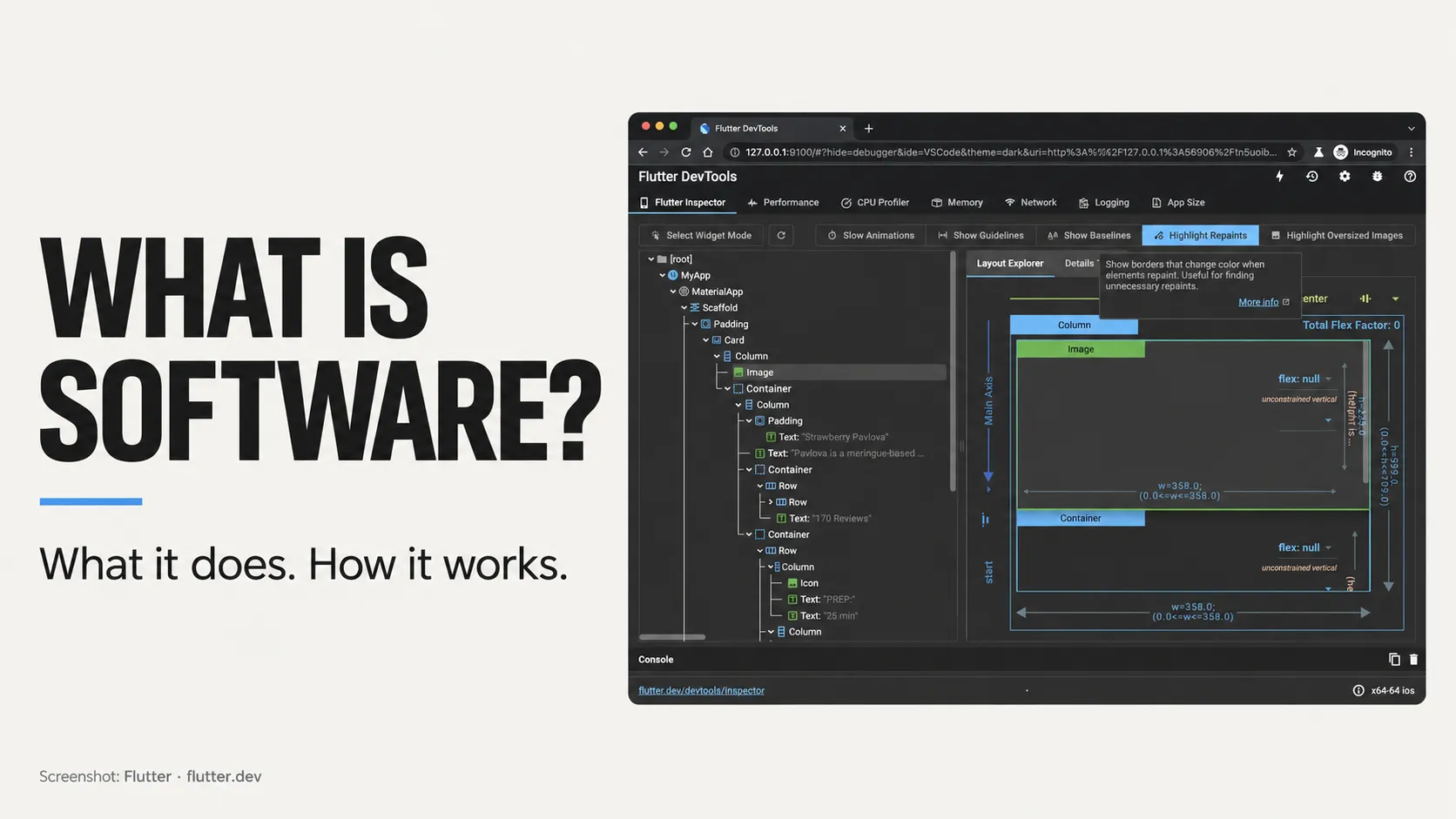
Dart is a programming language. Flutter is a toolkit for building application interfaces using Dart. Flutter supports multiple platforms, including Android and iOS, with shared code. Platform-specific integrations and testing can still require separate work. The official Dart overview and Flutter platform guide explain their relationship.
On the server side, PHP is a programming language used for web development. Node.js is a runtime that allows JavaScript to execute outside the browser, including on servers. They can support backend services that an app communicates with. See the official introductions to PHP and Node.js.
For a first project discussion, explain what users need to accomplish before choosing the tools. A framework name alone does not define the product or its running costs.
Is software always installed on your device?
No. You can use software through a mobile app, a desktop program or a browser. A product can also combine these routes.
A browser-based service may run interface code on your device while servers handle shared records and other processing. Software as a service, or SaaS, describes a delivery model in which a provider hosts and operates software that customers access over the internet, often through a subscription. Microsoft's SaaS explanation covers this model.
Installation and connectivity are separate questions. An installed app might require a connection for most tasks. Another might let you work offline and synchronise changes later. If offline use matters to your customers, it belongs in the initial requirements.
How is software created and maintained?
Software development includes understanding a problem, designing a solution, writing code, testing it and making it available to users. Documentation and ongoing maintenance help keep it usable as it changes. PTC describes development as work that continues throughout a product's useful life.
For the booking app, the team would first decide who can book, how availability works and what happens after cancellation. Developers then implement those decisions and test the important journeys.
After launch, the work continues: investigate failures, address security issues, adapt to operating-system changes and improve the product using feedback. Adding a feature is only one kind of update. Keeping an existing feature dependable also takes work.
Should a business buy software or build its own?
Start by checking whether an existing product solves the problem well enough. Standard booking, accounting or communication needs may already have suitable tools.
Custom development becomes worth investigating when an important workflow cannot be handled adequately by those tools, or when the software experience is central to the product you sell. Combining existing services with a small custom component may also be enough.
Before commissioning a build, write down:
- Who will use the software and what they need to complete.
- Which existing tools have been considered and where they fall short.
- What information the system will handle and who may access it.
- Who will own the accounts, source code and maintenance responsibilities.
- What it will cost to operate after launch.
If demand is uncertain, a minimum viable product, or MVP, can focus the first release on one complete, useful journey. For the booking example, that might be selecting a slot, reserving it and receiving confirmation. Loyalty points and advanced reporting can wait until there is a reason to add them.
Frequently asked questions
Is an app the same as software?
An app is a type of software. The wider term also includes operating systems, development tools and programs running in the background. One app can depend on several other software components.
Does all software use AI?
No. Many tasks work through explicitly programmed rules. Machine learning adds models trained on data to make predictions or generate content, as explained in Google's introduction to machine learning. A booking app does not need AI simply to check whether a time slot is available.
Do I need to learn programming before planning an app?
No. You need a clear understanding of the user, the problem and the result the product should deliver. Learning the basic vocabulary helps you ask questions, but you can define a useful booking journey without writing its code.
Planning a mobile product
If you are planning a booking app or another mobile product, start with the task it should help people complete. Explore Damien Musy's expertise in mobile and backend development to see how the interface, data and business rules come together in a working application.