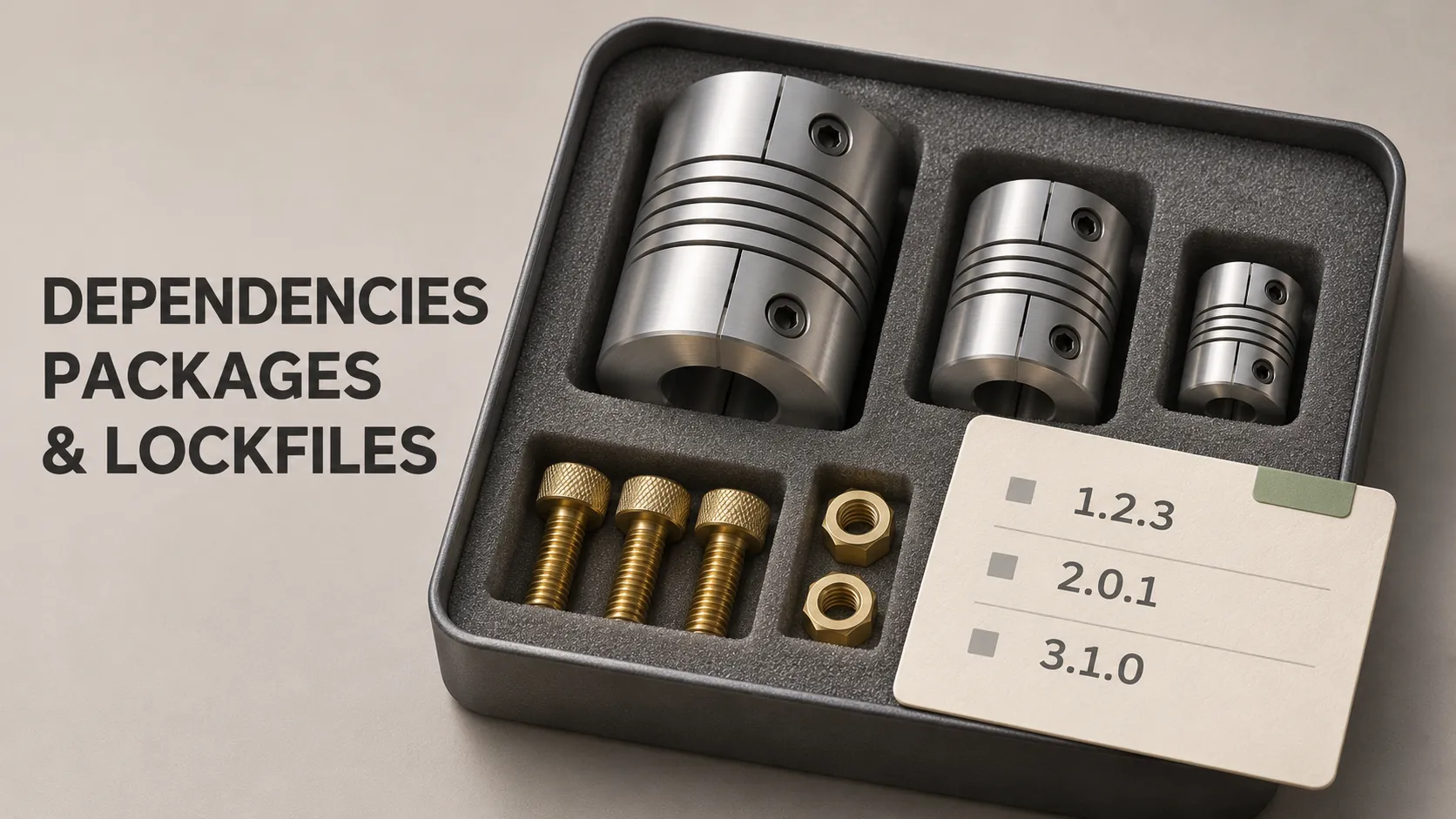
A developer downloads your app's source code, follows the setup instructions and tries to build it. The code has not changed, but the build behaves differently from the one prepared last month.
One possible explanation is that the two environments installed different versions of the packages the application uses.
Dependencies are components a project relies on. Package managers and lockfiles help organise which components are selected and installed. Understanding their roles makes it easier to discuss updates, investigate build problems and hand a project to another developer.
We will use a booking app as the main example, with practical details for Flutter, Dart and a Node.js backend.
Think of a Specification and an Agreed Parts List
Imagine assembling a product from components supplied by several manufacturers.
Your specification might allow several compatible versions of a component. A purchasing system then selects a particular combination, including smaller components required by the larger ones.
The agreed parts list records those selections so another assembly team can request the same combination.
In a software project:
- Dependencies are the components the project uses.
- The manifest declares requirements and acceptable versions.
- The package manager resolves and retrieves compatible packages.
- The lockfile records the resolved selections for subsequent use.
The parts list matters, but the finished product also depends on the assembly tools and process. A lockfile similarly controls part of a software build rather than its entire environment.
What Is a Software Dependency?
A dependency is something another part of the software needs to work. In package management, this usually means a reusable package containing code or development tools.
Our booking app might use packages to make HTTP requests, display a calendar or communicate with a platform service.
Using an existing package can save development work. The team still needs to assess whether it fits the application and maintain the integration over time.
Direct dependencies
A direct dependency is one your project explicitly declares because it uses that package.
For example, a Flutter app could declare the Dart http package to communicate with its booking API.
Transitive dependencies
A transitive dependency is required indirectly through another dependency.
The HTTP package may itself rely on supporting packages. Your app does not need to declare every internal requirement manually; the package manager resolves the relationships.
That is why a short list in a manifest can lead to a much larger dependency graph.
Development dependencies
Development dependencies support work such as testing, analysis or code generation.
The distinction describes their intended role. A development tool can still affect how the application is checked or built, even if that tool is not included in the delivered app.
What Does a Package Manager Do?
A package manager helps declare, resolve, retrieve and update packages.
Resolution means finding a set of versions that satisfies the project's requirements, the packages' own requirements and relevant platform or SDK constraints.
If Package A requires a version of Package C that cannot satisfy Package B's requirements, the package manager may report a resolution failure.
That message identifies a compatibility problem to investigate. It does not necessarily mean the package manager itself is broken.
A package manager is different from a registry
A registry is a service where packages are published and retrieved. A package manager is the tool that works with those packages.
For Dart, pub provides package-management functionality, while pub.dev is the default public package repository. JavaScript projects commonly retrieve packages from the npm registry using npm or another compatible package manager.
Projects can also use private registries and other dependency sources.
Manifest vs Lockfile: What Is the Difference?
A manifest describes the project's declared requirements. A lockfile records a resolved dependency selection.
Common combinations include:
- Flutter and Dart:
pubspec.yamlandpubspec.lock. - Node.js using npm:
package.jsonandpackage-lock.json. - JavaScript using pnpm:
package.jsonandpnpm-lock.yaml. - PHP using Composer:
composer.jsonandcomposer.lock.
Manifests can contain information beyond dependencies, such as project metadata or scripts. Lockfiles also differ between ecosystems: their format, recorded metadata and enforcement rules are not universal.
A lockfile may include resolved versions, dependency relationships, source locations and integrity information, depending on the package manager and dependency source.
Why Does a Version Range Need a Lockfile?
A manifest can permit more than one package version. That flexibility helps the project accept compatible updates, but it does not identify one exact selection.
For ordinary stable Dart versions, a constraint such as ^1.2.3 permits versions from 1.2.3 up to, but not including, 2.0.0.
Without an existing resolution to reuse, the package manager may select a different permitted version when the available packages or other constraints change.
The lockfile records the selected combination, including transitive dependencies. It is therefore useful even when direct dependencies have exact version declarations.
Version numbers communicate compatibility expectations
Semantic versioning uses major, minor and patch numbers to communicate incompatible changes, compatible additions and compatible fixes.
Those conventions support decisions; they do not prove an update works in your application. Packages can contain defects or behave differently in a particular integration.
Also check the package manager's rules for pre-release and zero-major versions rather than applying one caret-range explanation to every case.
One Flutter Example: Adding an HTTP Dependency
Suppose the booking app needs to request available workshop times from a backend.
From the root of an existing Flutter project, with the Flutter SDK configured, run:
flutter pub add httpThis declares the package and resolves the project's dependencies. The selected constraint depends on the package versions and SDK compatibility available to the project.
The manifest declares the requirement
Inside pubspec.yaml, an example dependency section could contain:
dependencies:
  flutter:
    sdk: flutter
  http: ^1.6.0
This is a fragment of a manifest, not a complete replacement file. The version illustrates a constraint; another project may require a different compatible selection.
The lockfile records the resolution
Pub writes the resolved package selections to pubspec.lock. That includes packages required indirectly by the app's declared dependencies.
Inspect the dependency graph and review the file changes:
flutter pub deps
git diff -- pubspec.yaml pubspec.lock
The dependency graph shows relationships. The Git diff shows what changed in the manifest and lockfile.
Reviewing both helps distinguish an intentional addition from an unexpected set of package changes.
Another developer retrieves the dependencies
After receiving the updated project files, another developer normally runs:
flutter pub getPub uses the locked versions where possible. If the manifest or environment no longer supports that resolution, a normal get operation can resolve changes.
Retrieving dependencies is separate from writing the request logic, handling failures and configuring any required platform permissions.
Getting Dependencies and Upgrading Them Are Different Actions
In Dart, pub get attempts to reuse the existing valid resolution. pub upgrade deliberately seeks newer versions within the applicable constraints.
To inspect possible updates in a Flutter project, use:
flutter pub outdatedIts output distinguishes the current selection from versions that are upgradable, resolvable or latest. The newest published release is not always compatible with the current project.
A targeted update can look like:
flutter pub upgrade httpThis asks pub to upgrade the named dependency while preserving other locked selections where possible. Related dependencies may also need to change to obtain a valid resolution.
Inspect the resulting diff and test the affected feature. A successful dependency resolution only establishes that the declared constraints can be satisfied.
How npm Install and npm CI Differ
For a Node.js backend using npm, package.json declares requirements and package-lock.json records the resolved tree.
During development, a common installation command is:
npm installWhen the existing lockfile satisfies the manifest, npm can use its recorded versions. If the files disagree, npm install can resolve new selections and update the lockfile.
For a clean installation that must agree with an existing lockfile, use:
npm cinpm ci requires a suitable lockfile, fails when it does not match the manifest and does not rewrite those files. It also removes an existing node_modules directory before installing.
Use the project's documented npm version and relevant configuration. Options affecting dependency resolution should remain consistent between lockfile generation and installation.
Use Strict Installation in Automated Builds
Continuous integration should make unexpected dependency changes visible rather than silently accepting a different resolution.
For a Flutter app using a committed lockfile, the strict retrieval command is:
flutter pub get --enforce-lockfileThe corresponding pub option requires a valid existing resolution and checks hosted package content hashes. It fails when those requirements cannot be met.
For an npm project, npm ci provides the strict installation behaviour described above.
The useful policy is that a release build consumes an agreed dependency resolution. Intentional updates happen through a separate, reviewable change.
Should You Commit Lockfiles to Git?
For a Flutter application, commit pubspec.lock alongside pubspec.yaml. For an npm application, commit package-lock.json alongside package.json.
This lets collaborators and build systems retrieve the same recorded resolution rather than each independently selecting package versions.
Generated local directories such as .dart_tool and node_modules are normally recreated rather than included in source history.
Published libraries have different considerations
A library's local dependency resolution does not necessarily dictate what applications consuming that library install.
Follow the ecosystem's guidance rather than applying one rule to every project type. Dart distinguishes application packages from reusable packages, while npm does not publish an ordinary package-lock.json as a dependency lock for downstream consumers.
What Does a Lockfile Not Guarantee?
It does not define the entire build environment
The build can also depend on the Flutter or Node.js version, compiler tools, operating system, environment variables and build settings.
Two environments using the same package versions can still produce different results when those inputs differ.
It does not cover every native dependency automatically
A Flutter app can include native platform components beyond its Dart packages. Android builds use Gradle, and iOS dependencies can involve Swift Package Manager or CocoaPods according to the project's setup.
Those layers have their own dependency-management behaviour. Gradle dependency locking, for example, requires configuration; it should not be assumed to exist because another lockfile is present.
It does not establish that code is safe or correct
A recorded version can contain a defect or a vulnerability. An integrity hash helps check content against an expected value; it does not establish that the expected code is harmless.
Package selection, relevant advisory checks, review and testing remain separate responsibilities.
It does not preserve external services or package access
A lockfile does not contain a backup of every package or credentials for a private registry.
Likewise, locking a Firebase client SDK version does not preserve the Firebase project's configuration or the behaviour of every connected service.
A dependency resolution is useful build input. Establishing what a release actually contains requires connecting it with the build process and resulting artefact.
A Practical Dependency Update Workflow
For the booking app, an update can be organised as one focused development task:
- Identify the reason for updating, such as a needed fix, compatibility change or maintenance requirement.
- Read the relevant release notes and migration instructions.
- Make the change on a suitable branch.
- Update the intended dependency and inspect related resolution changes.
- Run analysis, relevant tests and builds for the affected platforms.
- Exercise the feature using the package, including important failure cases.
- Commit the manifest, lockfile and necessary code changes together.
- Verify that the automated build consumes the recorded resolution.
For an HTTP dependency, useful checks could include successful availability loading, timeouts and invalid server responses. For a device plugin, test the relevant behaviour on the supported platforms.
Clear commit history helps the next developer understand why a package changed and which application changes accompanied it.
What If the Lockfile Has a Merge Conflict?
Two branches may update dependencies differently, producing conflicts in the manifest, lockfile or both.
First establish the combined dependency requirements. Then follow the package manager's supported workflow to produce a consistent resolution and inspect the resulting changes.
Removing Git's conflict markers alone does not establish that the dependency graph is valid. Deleting the lockfile and resolving everything again can also introduce unrelated version changes.
Apply the same principle used for other merge conflicts: preserve the intended requirements, verify the combined result and review what changed.
Changing Package Managers Is a Project Change
Moving a JavaScript project from npm to pnpm can affect the lockfile, installation layout, scripts and build configuration.
The official pnpm documentation explains that pnpm import uses versions from the source lockfile as preferences during resolution. It is not a guaranteed one-to-one conversion.
Compare important package selections, update the installation instructions and build pipeline, and test the resulting application.
Use the agreed package manager for each project or workspace. A repository containing both a Flutter app and a Node.js backend can legitimately contain separate lockfiles for those separate dependency systems.
Frequently Asked Questions
Is a package the same as a package manager?
No. A package contains reusable code or tools. A package manager helps select, retrieve and manage packages.
Why does my lockfile list packages I never added?
Some are transitive dependencies required by packages your project uses directly. Inspect the dependency graph to understand their relationships.
Should I edit a lockfile manually?
Normally, let the package manager generate and update it. Review the result in Git. Conflict resolution should follow the relevant tool's documented process.
Does a lockfile stop updates forever?
No. It preserves a selected resolution until an intentional operation or a changed requirement produces another one. Maintenance should include reviewing and testing appropriate updates.
Does a successful install mean the app works?
No. Installation and dependency resolution do not exercise the complete application. Test the behaviour that relies on the changed packages.
Can I recreate an old release from its lockfile alone?
Not necessarily. You also need the relevant source revision, compatible tools, configuration and access to required package sources. A retained build artefact can provide additional release evidence.
Make Dependency Changes Explainable
For each application, identify the manifest, package manager, lockfile and installation command used by its build process. Keep intentional updates reviewable and record the environment needed to use the selected packages.
In the booking example, that means more than choosing an HTTP library. The team needs to know which version was selected, how the build retrieves it and whether the booking flow still works after an update.
If dependency updates are slowing an existing app, or you are preparing the foundations of an MVP, explore Damien Musy's expertise for support reviewing mobile and backend dependencies, build configuration and the maintenance work the product needs.