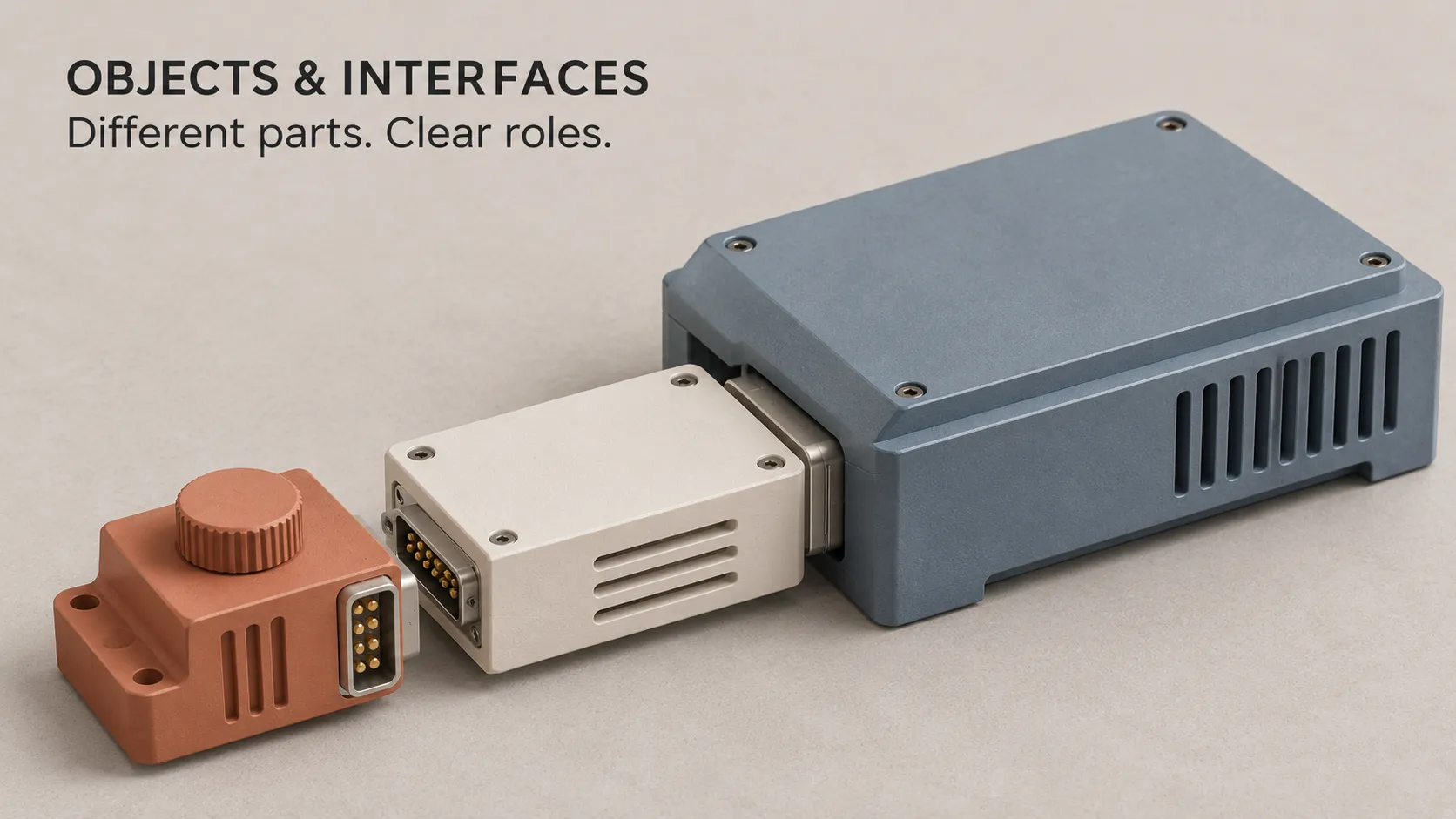
Objects, Interfaces and Responsibilities in App Code
Imagine booking a place at a workshop. You enter your name, choose two seats and review your request. Behind that simple screen, different parts of the application handle the information, check rules and prepare what you see.
Objects and interfaces help developers organise these parts. Responsibilities explain what each part should handle and how it should work with the others.
An object is an individual unit in a program that can hold information and provide behaviour. An interface describes capabilities that other code can use. A responsibility is the information or behaviour a part of the application is expected to manage.
We will explore these ideas through one booking app, beginning with an everyday analogy before looking at a small example in Dart, the language used to build Flutter applications.
Think of an App as a Team Running a Workshop
At a workshop venue, the receptionist collects requests, the booking team checks availability, and someone prepares messages for attendees. Each role contributes to the same experience.
The receptionist needs to know how to ask the booking team for available seats. They do not need to understand every detail of the reservation system.
Software can work in a similar way. One part collects information, another applies booking rules, and another communicates with the server. Clear boundaries make it easier to understand who handles each task.
The analogy has a limit: objects are not necessarily digital people. An object might represent a booking request, a message formatter or a connection to a data service.
What Is an Object in Programming?
An object brings together information and behaviour associated with a particular unit of a program.
In our booking app, one object could represent Alex's request for two workshop seats. Another could represent Sam's request for one. Both describe booking requests, but they contain different values.
Fields describe what an object knows
A field is a variable associated with an object. Our booking request could have a customerName field and a seats field.
These values are part of the object's state: the information it holds at a particular point in the program.
Methods describe behaviour an object provides
A method is a function associated with a class or object. An instance method can use information held by the particular object on which it is called.
For example, a booking request could answer: “Is the requested number of seats greater than zero?”
If functions are unfamiliar, start with functions, conditions and loops. Methods build on those same ideas.
What Is the Difference Between a Class and an Object?
In class-based programming, a class defines the structure and behaviour of a kind of object. An object created from that class is called an instance.
Think of a class as a reusable booking form template. The template describes which information belongs on the form. Each completed form contains the details of one request.
- Class: the definition of a booking request.
- Object: one particular request, such as Alex requesting two seats.
- Another object: Sam requesting one seat, created from the same class.
Creating a booking request object does not automatically save it to a database or reserve seats. Those actions require additional code.
What Is an Interface in Programming?
An interface describes capabilities that code can rely on without requiring it to know every detail of the implementation.
Think of a job description: “Given a booking request, produce a written summary.” It tells the rest of the team what they can ask for. The person doing the work supplies the actual process.
In code, an interface can specify a method's name, the input it accepts and the type of result it returns. An implementation supplies the instructions that perform the work.
A code interface is different from a user interface
A user interface, or UI, is what a person interacts with: buttons, forms, menus and screens.
A programming interface describes how pieces of software interact. It may never appear on a screen.
Our booking app's “Review request” button belongs to the user interface. A method that prepares the request summary belongs to the interface between parts of the code.
An interface describes a contract, but behaviour still matters
Suppose an interface promises to return a booking request summary. A class might provide the required method and return a string, yet incorrectly describe an unconfirmed request as “Booking confirmed.”
The method's shape would be correct, but its behaviour would break the intended agreement. Types, documentation and tests work together to describe and check that agreement.
What Does Responsibility Mean in App Code?
A responsibility describes what a part of the application should know or do.
For our example, we can make three decisions:
- The booking request holds the customer's name and requested seat count.
- The message formatter turns that information into readable text.
- The code coordinating the example checks the quantity before displaying the summary.
These decisions give us somewhere sensible to make a change. If the wording needs updating, we know to look at the formatter. If the information collected from customers changes, we examine the request.
A clear responsibility can involve several closely related methods. It does not mean every class must contain exactly one function.
One Booking App Example in Dart
The following example runs as a Dart console program. It demonstrates how the objects cooperate without introducing screens, databases or network requests.
class BookingRequest {
  final String customerName;
  final int seats;
BookingRequest(this.customerName, this.seats);
bool hasPositiveSeatCount() {
return seats > 0;
}
}
abstract interface class BookingSummaryFormatter {
String format(BookingRequest request);
}
class PlainTextBookingFormatter implements BookingSummaryFormatter {
@override
String format(BookingRequest request) {
return 'Customer: ${request.customerName}. '
'Seats requested: ${request.seats}.';
}
}
void main() {
final request = BookingRequest('Alex', 2);
BookingSummaryFormatter formatter = PlainTextBookingFormatter();
if (request.hasPositiveSeatCount()) {
print(formatter.format(request));
} else {
print('Choose at least one seat.');
}
}
The output is:
Customer: Alex. Seats requested: 2.This code prepares a summary of a request. It does not check availability or confirm a reservation.
1. BookingRequest defines the request object
BookingRequest groups the customer's name and seat count. String describes text, while int describes a whole number.
The fields use final, so their values cannot be reassigned after initialisation.
The line BookingRequest(this.customerName, this.seats); declares a constructor. Calling it with 'Alex' and 2 creates an instance and initialises its fields.
2. The method answers one specific question
hasPositiveSeatCount() returns true when the requested quantity is greater than zero.
Its name deliberately describes a limited check. A positive number does not tell us whether the workshop has enough seats, whether the customer is eligible or whether payment succeeded.
3. The interface defines the formatting capability
BookingSummaryFormatter declares a format method that accepts a BookingRequest and returns a String.
In modern Dart, abstract interface class can declare this kind of contract. The abstract declaration cannot itself be instantiated.
4. The implementation supplies the instructions
PlainTextBookingFormatter uses implements to provide the required capability. Its method contains the instructions that build the text.
@override marks the method as implementing a member from the interface.
5. The objects work together
The formatter variable is declared using the interface type, but it refers to a concrete PlainTextBookingFormatter object.
When formatter.format(request) runs, that object's implementation produces the summary. The interface does not generate the message by itself.
You can read more about this syntax in the official Dart interface documentation.
How These Responsibilities Fit Into a Mobile App
A real booking feature needs more than a request and a formatter. It must connect user interactions, changing screen state and stored information.
A possible division of responsibilities is:
- View: displays the form, summary, loading indicator and error messages.
- View model: manages the screen's state and coordinates actions such as submitting a request.
- Repository: provides access to booking data and coordinates the data sources needed by the feature.
- Service: communicates with an external system, such as a booking API.
These roles appear in Flutter's architecture guidance. The exact structure should suit the application's requirements.
Android's architecture guide also emphasises clear responsibilities and boundaries. A screen should not become the place where every part of the application lives.
Follow one request through the app
- The customer enters their name and selects two seats.
- The screen passes that input to the part coordinating the feature.
- The app performs appropriate local checks and submits the request through its data layer.
- The backend checks authoritative booking rules and availability.
- The app receives the result and updates the screen.
The local quantity check improves feedback, but the backend must still validate requests. For a shared booking system, a positive seat count on a phone cannot establish that those seats remain available.
When Do Interfaces Help?
An interface is useful when there is a meaningful boundary between the code requesting a capability and the code providing it.
Imagine the booking feature needs to read workshop availability. During a test, you want to supply predictable sample results. In the running app, the data comes from a server.
Both implementations can offer the same agreed capability. The feature can then be tested without making a real network request.
Interfaces can also help when multiple implementations are actually needed. A booking summary might have a plain text formatter and a separately implemented formatter for another output format.
There is no need to create an interface for every class. In a small feature, calling a concrete class directly may be clearer. Introduce a boundary when it makes a real dependency, variation or testing need easier to manage.
Common Mistakes When Dividing Responsibilities
Putting the entire feature inside a screen
A screen that handles layout, booking rules, API requests and response parsing becomes difficult to follow. A change to one concern can require understanding several unrelated concerns.
Start by identifying which work belongs to presentation and which belongs to the feature's rules or data access.
Creating too many tiny classes
Splitting a short, understandable task across many files can make the code harder to navigate.
Ask what each proposed class represents and why its responsibility needs a separate home. Keep closely related work together when separation adds little value.
Using names that promise too much
A method called isBookingValid() sounds comprehensive. If it only checks whether the seat count is positive, the name invites incorrect assumptions.
A precise name such as hasPositiveSeatCount() makes the boundary of the check visible.
Assuming an interface guarantees correct results
Providing the required methods does not prove that an implementation handles errors correctly or follows the booking rules.
Test observable behaviour: expected input, invalid quantities, unavailable seats and failed requests. Choose the cases that matter to the responsibility being tested.
Frequently Asked Questions
Is an object the same as a variable?
No. A variable is a name that holds a value or refers to an object. In our example, request refers to a BookingRequest object. Naming the reference and defining the object's behaviour are different tasks.
What is the difference between a function and a method?
A function is a callable piece of code. A method is a function associated with a class or object. In the example, main() is a top-level function, while hasPositiveSeatCount() is an instance method.
Does implementing an interface copy its code?
In Dart, implements requires the class to provide the interface's required members; it does not inherit their implementation. Our formatter therefore supplies its own format method body.
Does every object represent something physical?
No. A booking request represents application information. A formatter represents behaviour. Objects can model concepts and services as well as physical things.
Do I need a complex architecture for an MVP?
An MVP needs a structure suited to its features and expected changes. Begin with understandable responsibilities and clear boundaries around important dependencies. Add layers when they solve a concrete problem.
Give Each Part of Your App a Clear Role
To review a feature, ask three questions: What information does each object hold? What capabilities can other code ask it to provide? Which responsibility belongs to each part?
In our booking example, the request holds the details, the formatter prepares the wording, and the surrounding application coordinates the booking process. Keeping these roles understandable gives future changes a clearer place to happen.
If you are planning an MVP or reviewing an existing app, explore Damien Musy's expertise for support with mobile development, backend integration and architecture decisions that keep your application's responsibilities clear.