Variables, Data Types and Operators Explained
Variables, data types and operators help programs work with information. Variables give values names, data types describe the kinds of values involved, and operators perform actions such as adding numbers or comparing quantities.
You already use similar ideas in everyday life. When completing a booking form, you enter a name, choose a number of tickets and check the total price. Those pieces of information have different purposes, and the application needs rules for handling each one.
This guide explains the three concepts through a familiar booking example. You can understand the ideas before learning how to write the code.
Start with a booking form
Imagine a form for reserving tickets to a workshop. It contains:
- A customer name: Alex.
- A requested quantity: three tickets.
- An available quantity: five tickets.
- A ticket price: twelve euros.
- A booking status: open.
A person reading the form understands that “Alex” is a name, three is a quantity and “open” describes a status. The application needs those distinctions expressed in its data and instructions.
Think of a paper form with clearly labelled fields. The field labels are similar to variable names. The expected answers are similar to data types. Calculating the total or checking availability involves operators.
These concepts are part of the instructions behind an application. The introduction to what programming is explains how those instructions become program behaviour.
What is a variable in programming?
A variable is a name a program uses to refer to a value.
In the booking example, a developer might use ticketCount to refer to the number of tickets requested. When the customer selects three tickets, the value associated with that name is 3.
Imagine a field on a reusable order form labelled “Quantity”. The label stays the same, while the answer can differ between orders. Similarly, a variable name lets instructions work with a value without fixing every calculation to one particular number.
Some variables can be assigned a new value as the program runs. Others are deliberately restricted so that they can only be assigned once. The exact rules depend on how they are declared and on the programming language.
A variable's name is different from its value
Consider these two names:
customerNamerefers to the value'Alex'.ticketCountrefers to the value3.
The name explains what the information represents. The value is the information currently associated with it.
Clear names make instructions easier to follow. availableTickets tells a reader more than x. It also helps distinguish the number available from the number requested.
What is a data type?
A data type describes a kind of value and helps determine which operations make sense for it.
On a paper form, you expect a date in the appointment field and a name in the customer field. Putting “Alex” into “Number of tickets” would not provide a usable quantity.
Programming types serve a related purpose. They help distinguish text, numbers, true-or-false values and other forms of information.
Type names and rules vary between programming languages. The examples below use Dart terminology, the language used for Flutter application code.
Integers: whole numbers
An integer represents a whole number, such as 0, 3 or -5. Dart calls this type int.
Ticket quantities are a useful example: a request might contain three tickets, rather than three and a half.
Floating-point numbers: values with fractional parts
Measurements such as 2.5 kilometres can use a floating-point number. Dart provides the double type.
Floating-point values have limited precision. Some decimal fractions can only be represented approximately, which matters when designing calculations that require exact results.
Strings: text
A string represents text, such as a customer name, email address or confirmation message. Dart uses String.
Strings can contain digits too. A reference such as '00127' can be text even though every character is a digit.
Booleans: true or false
A boolean represents one of two values: true or false. Dart calls this type bool.
For bookingOpen, true means bookings are open. false means they are not. Neither answer means the program itself is correct or incorrect.
The official Dart guide to built-in types explains these types and others, including lists and maps for grouping information.
Why is a number different from text containing digits?
Compare the number 3 with the text '3'.
They look similar, but they have different roles. The number can participate directly in a numerical calculation. The string is text that happens to contain a digit.
Think of the number printed on a football shirt. It identifies the player; you do not add shirt numbers together to calculate the team's score.
Likewise, phone numbers, product references and postal codes often belong in text fields. Their digits identify something rather than measure a quantity. Treating them as ordinary numbers can lose meaningful formatting, such as a leading zero.
Programs sometimes need to convert text into a number. A quantity entered into a text field, for example, may need to be parsed and checked before calculation. Conversion rules differ between languages, so developers should not assume every language handles the same input identically.
What are operators in programming?
Operators perform operations on values. Some calculate results, some compare information and others assign values or combine conditions.
You already recognise arithmetic symbols such as + and -. Programming adds other symbols for expressing more instructions precisely.
Assignment: associating a name with a value
In Dart, = is used for assignment.
int ticketCount = 3;This declares an integer variable named ticketCount and gives it the initial value 3.
Think of filling in the “Quantity” field on the order form. You are supplying a value, rather than asking a question about it.
Arithmetic: calculating with values
Common arithmetic operators include:
+for addition.-for subtraction.*for multiplication./for division.
For the workshop, multiplying three tickets by twelve euros gives a total of thirty-six euros.
A program can use variable names in that calculation, allowing the same instructions to work when the quantity changes.
Comparison: asking a question
Comparison operators produce a true-or-false result.
==checks equality.!=checks inequality.>means greater than.<means less than.>=means greater than or equal to.<=means less than or equal to.
For example, ticketCount <= availableTickets asks whether the requested quantity fits within availability.
Logical operators: combining answers
In Dart, && means logical AND: both conditions must be true. || means logical OR: at least one must be true. ! reverses a boolean value.
A booking might require both an open booking period and enough available tickets. Checking only one condition would not establish whether the request can proceed.
The Dart operator reference provides the language-specific rules behind these symbols.
Assignment vs equality: why one extra symbol matters
The difference between = and == is easy to miss when first reading code.
ticketCount = 3assigns the value three.ticketCount == 3asks whether the current value equals three.
On a form, the first is like writing “3” into the quantity field. The second is like inspecting the completed form and asking, “Did this customer request three tickets?”
This distinction matters because changing information and checking information are different actions.
How variables, data types and operators work together
The following Dart program combines the ideas in a small booking calculation. You do not need to memorise its punctuation to follow the result.
main() is the starting point for this program. print() displays a value in the console.
void main() {
  String customerName = 'Alex';
  int ticketCount = 3;
  int availableTickets = 5;
  int pricePerTicketCents = 1200;
  bool bookingOpen = true;
int totalCents = ticketCount * pricePerTicketCents;
bool canBook = bookingOpen &&
ticketCount > 0 &&
ticketCount <= availableTickets;
print(customerName);
print(totalCents);
print(canBook);
}
The output is:
Alex
3600
true
Here is how the pieces fit:
- Variables name the information. The program can refer to the customer, quantities, price and booking status.
- Types describe the values. The name is text, the quantities and price are integers, and the booking status is a boolean.
- Multiplication calculates the total. Three tickets at 1,200 cents each produce 3,600 cents, or thirty-six euros.
- Comparisons check the quantity. Three is greater than zero and does not exceed five.
- Logical AND combines the checks. Bookings are open and both quantity checks pass, so
canBookistrue.
The example represents prices in whole cents to keep the calculation in integers. It only calculates values and checks a request; it does not reserve tickets or process a payment.
Does a calculated value update automatically?
Not simply because another variable changes.
Imagine writing a total of thirty-six euros on a paper form. If you change the quantity from three tickets to four, the written total remains thirty-six until you recalculate it.
The same principle applies to the ordinary assignment in the example. totalCents receives the result when that calculation executes. Changing ticketCount afterwards does not, by itself, execute the calculation again.
Applications need instructions or supporting mechanisms to refresh calculated values when relevant information changes.
What does null mean?
null represents the absence of a value. It is different from zero, false or an empty piece of text.
Consider an optional delivery note:
- A note containing text: the customer supplied instructions.
- An empty string: a text value exists, but contains no characters.
- Null: no text value is present.
The distinction is similar to a survey. “No” is an answer; an unanswered question is a different situation.
Dart lets developers declare whether a variable may contain null. Its null-safety documentation explains how the language helps developers handle potentially absent values.
Common mistakes to watch for
Assuming the type validates every business rule
An integer can represent -3, but a booking system probably should not accept a request for negative three tickets.
The type establishes what kind of value is involved. Additional checks establish whether that value is acceptable for the task.
Using unclear names or units
A variable called price does not tell a reader whether its value represents euros or cents. pricePerTicketCents makes the unit and purpose clearer.
Names such as requestedTickets and availableTickets also help prevent two different quantities from being confused.
Ignoring calculation order
In Dart, multiplication takes precedence over addition. The expression 2 + 3 * 4 produces 14.
Parentheses make a different intention explicit: (2 + 3) * 4 produces 20. Writing calculations clearly helps people review the intended result.
A simple way to practise
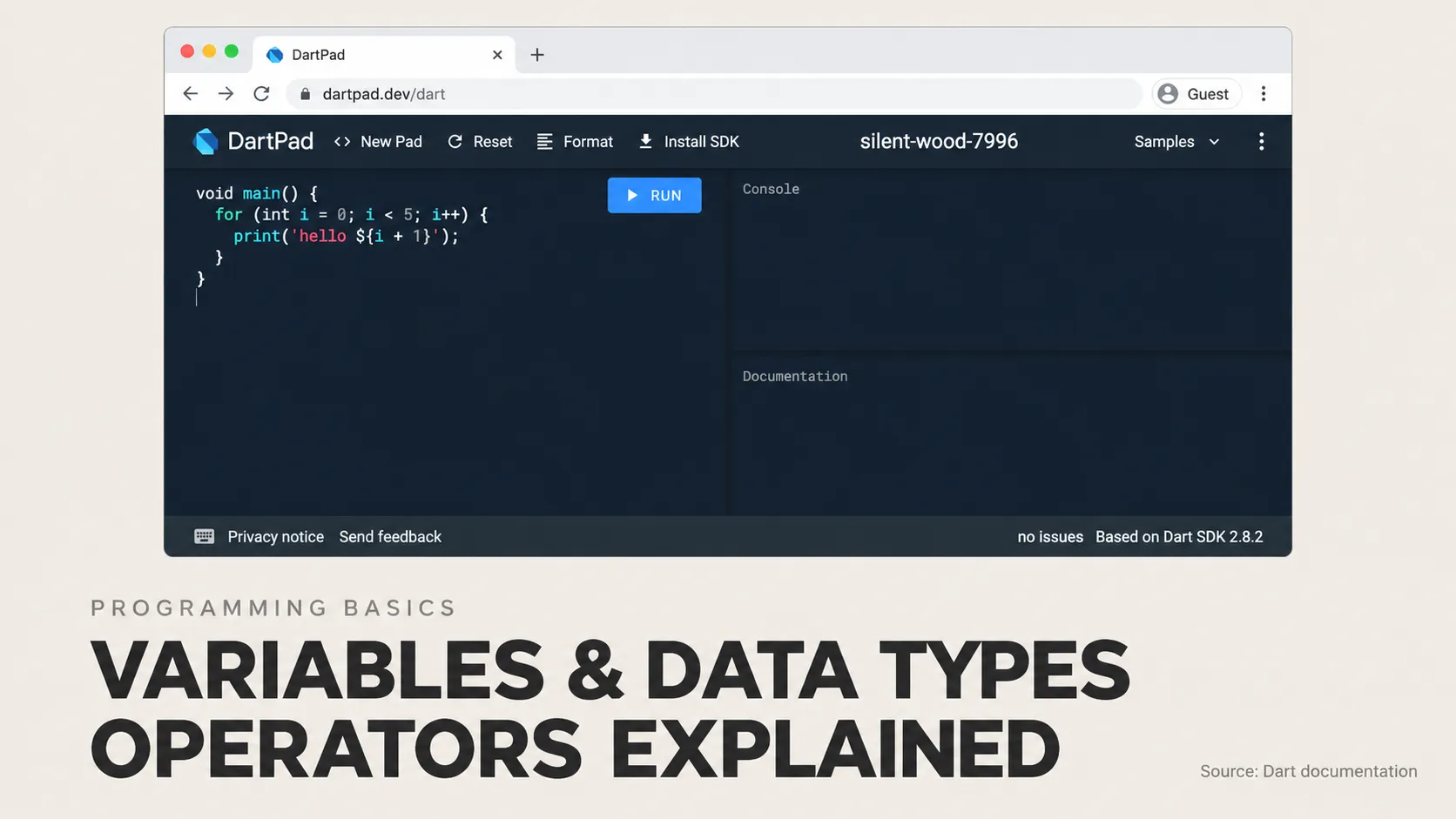
You can try the complete example using DartPad, a tool for experimenting with Dart in a browser.
- Predict the output before running the example.
- Change
ticketCountfrom three to six. The total becomes 7,200 cents, whilecanBookbecomesfalse. - Change the quantity to five. A request for exactly the available quantity passes the checks.
- Set
bookingOpentofalse. The request no longer passes, even when enough tickets are available.
Change one value at a time. Explaining why a result changed is more useful than copying a larger example without understanding it.
Frequently asked questions
Do all programming languages use the same data types?
No. Many have concepts for text, numbers and true-or-false values, but their names and rules differ. A type called double in one language does not mean every language uses that name or handles all numerical operations identically.
Does every Dart variable need its type written explicitly?
No. Dart can infer types in many situations. For example, var ticketCount = 3; lets it infer an integer type. Omitting the written type does not mean the variable has no type, as the Dart type-system guide explains.
Do variables keep their values after an app closes?
Not automatically. If information must remain available across sessions, the application needs an appropriate persistence mechanism, such as local storage or a database. Using a variable and saving information permanently are different concerns.
Applying these concepts to a mobile product
Clear information and rules are useful starting points for an application. Explore Damien Musy's expertise in mobile and backend development for support turning user inputs, calculations and validation rules into a working mobile product.