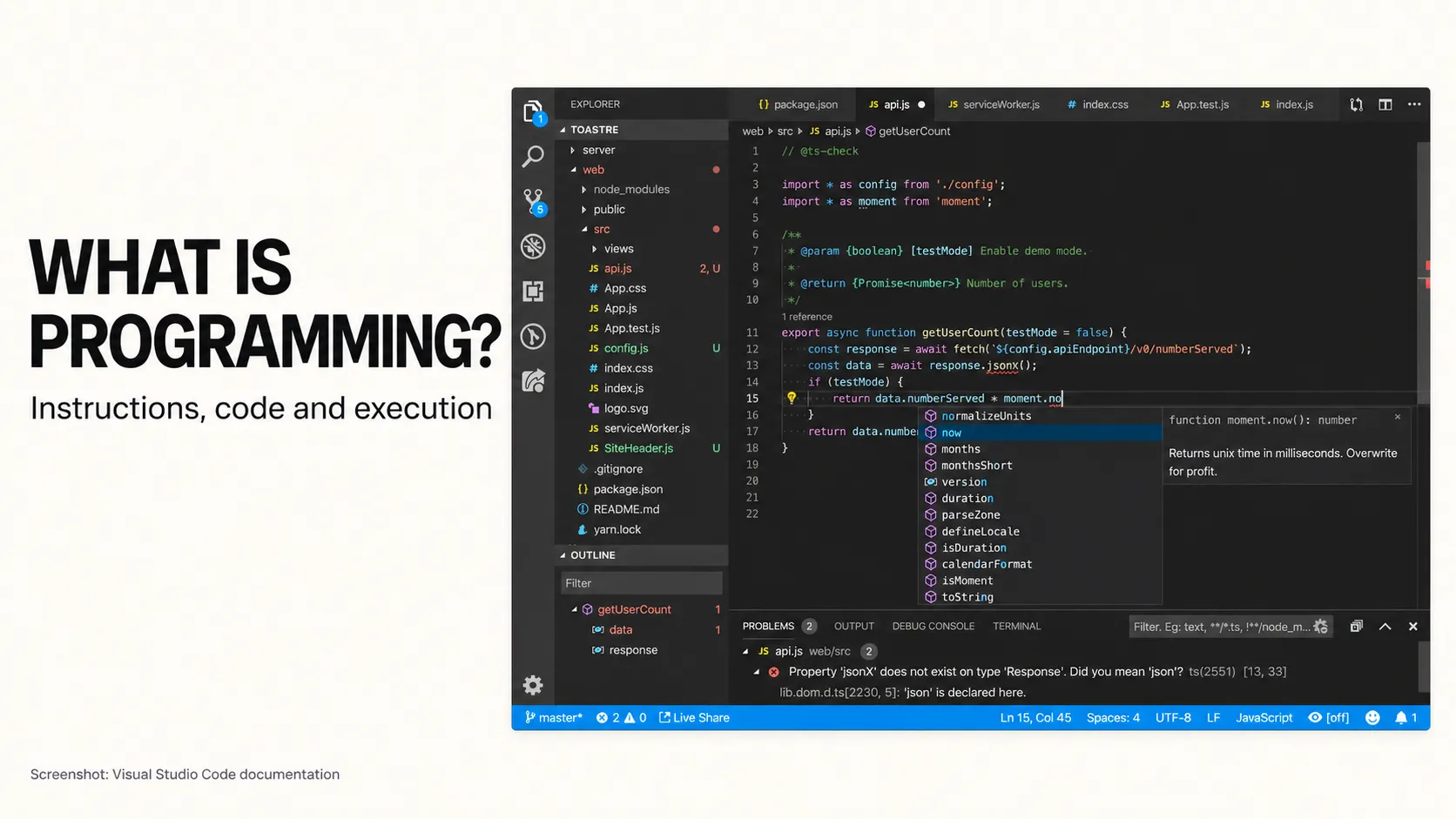
Programming is the process of creating instructions that tell a computer how to perform a task. Those instructions might calculate a total, play a song, send a message or decide what happens when you press a button.
You encounter programming whenever you use a phone, withdraw money from a cash machine or choose a washing-machine cycle. Behind each action, a program determines how the device responds.
The idea becomes easier to understand when you compare it with something familiar: following a recipe. A recipe describes what to do, what information matters and which steps come next. Programming involves working out similar details for a computer.
What is programming in everyday terms?
Imagine asking someone to prepare sandwiches for a group of people.
“Make enough sandwiches for everyone” may be sufficient if that person already knows the guests, the ingredients and the usual portion sizes. They can fill in the missing details from experience.
To turn that task into a program, you need clearer rules:
- Find out how many people need a sandwich.
- Check how many portions of ingredients are available.
- If there are enough ingredients, prepare one sandwich per person.
- If there are not enough, report the shortage.
Programming means deciding how a task should work and expressing those decisions in a form a computer can process. The computer's behaviour depends on the instructions, information and capabilities provided to it.
This explains why a small-looking feature can require several decisions. A button labelled “Order” still needs rules about quantities, availability, payment and what happens when something goes wrong.
The recipe analogy: instructions, code and execution
A recipe helps explain three terms that often appear together in discussions about programming.
Instructions describe what should happen
A recipe might tell you to measure flour, add water and mix the ingredients. Each instruction describes an action.
Computer instructions serve a similar purpose. They can tell a system to add two numbers, compare values, save information or display a message.
Code expresses the instructions
A recipe needs to be written in a form its reader understands. Source code expresses a program using a programming language with defined rules.
These rules cover how instructions and information are written. Developers cannot freely rearrange symbols and expect the meaning to remain clear, just as changing the quantities or wording in a recipe can change its result.
Execution means carrying out the program
A recipe sitting in a book does not produce a meal. Someone has to follow it.
Similarly, saving source code does not automatically perform the task it describes. The program must run. Carrying out its instructions is called execution.
The analogy has a limit: a human cook can notice missing details and improvise. A computer program needs suitable rules or mechanisms for handling the situations it encounters.
What is the difference between programming and software?
Programming is an activity involved in creating software. Software is the broader term for the programs and supporting components that perform tasks on computers and devices.
Think of writing and using a recipe. Developing the recipe is an activity; the finished recipe is something another person can follow. In a similar way, programming produces instructions that become part of a working software system.
A messaging app is software. Programming helps define how that app sends a message, displays a conversation and responds when a connection fails.
The introduction to what software is and what it does explains the different kinds of software you encounter every day.
How does programming work? Follow a simple order
Imagine a café where customers can order sandwiches through a screen. A customer requests four sandwiches, but only three are available.
The program needs to turn that situation into an appropriate response.
1. Receive information
The customer enters a quantity: four sandwiches. The system also has an availability figure: three sandwiches.
This information is called data. Data can include numbers, names, dates, messages and other values a program works with.
2. Apply a rule
The program compares the requested quantity with the available quantity.
The rule could be: allow the customer to continue only when the requested quantity is greater than zero and does not exceed availability.
3. Produce a result
Because four sandwiches are requested and only three are available, the program displays a message asking the customer to reduce the quantity.
If the customer changes the request to two, the same rule produces a different result.
This pattern appears throughout technology: receive information, apply instructions and produce a result. The result might be a visible message or a background action, such as updating a record.
The basic building blocks of programming
Many programs use a small set of recurring ideas. You can understand their purpose before learning how to write them in code.
Variables: named information
A variable gives a value a name so the program can refer to it.
Imagine a labelled box called “number of guests”. The value inside might be three today and six tomorrow. The instructions can use that value rather than being rewritten for every group.
In the café example, “requested quantity” and “available quantity” name the numbers used in the comparison.
Conditions: choosing what happens next
A condition is a check that helps a program choose an action.
You make similar decisions every day: if it is raining, take an umbrella. In a program, the condition needs a defined answer, such as whether a quantity exceeds the available stock.
Different answers lead to different actions. The café system can either let the customer continue or ask them to change the order.
Loops: repeating an action
A loop repeats instructions.
If you are setting a table, you might place a plate at each seat. You repeat the same action until every seat has a plate.
A program can similarly examine each item in an order or display each message in a conversation. The instructions define what to repeat and when to stop.
Functions: grouping a useful task
A function groups instructions into an operation that can be used when needed.
Think of a recipe section called “prepare the dressing”. It contains several steps, but you can refer to the whole task by its name.
A program might have a function called “calculate total”. Different parts of an application can use that operation instead of repeating its instructions.
What is a programming language?
A programming language provides a structured way to express instructions and organise information. Examples include Dart, JavaScript, PHP, Kotlin and Java.
Different languages have different writing rules and capabilities. However, ideas such as storing values, checking conditions and repeating actions appear across many of them.
You can compare this with describing a recipe in different human languages. The wording changes, while the intended steps may remain similar. Programming languages also have technical differences, so choosing one involves more than translating words.
For now, understanding the task matters more than memorising language names. “Check availability before accepting an order” is a useful requirement before anyone chooses how to implement it.
How does written code become a running program?
Developers usually write source code in text files. Development tools prepare that code so it can run in the intended environment, such as a phone, browser or server.
You may hear three terms during this process:
- Compilation: translating code into another representation, sometimes machine instructions.
- Interpretation: carrying out program behaviour from source code or an intermediate representation.
- Runtime: supporting software that helps a program execute.
These approaches can be combined. The details depend on the language and the environment in which the program runs.
For a beginner, the important distinction is between writing instructions and running them. Editing a recipe changes what it says; following it reveals what happens.
Why do programs sometimes make mistakes?
A program can produce an unwanted result because its instructions are incomplete, incorrectly written or based on the wrong assumptions.
The recipe analogy helps again. A recipe can contain unclear wording, refer to a missing ingredient or specify the wrong quantity. Following it does not guarantee a good meal.
The instructions are written incorrectly
Programming languages have writing rules, called syntax. Breaking those rules can prevent code from being processed correctly.
Development tools can identify many of these problems, much as a spelling checker can highlight certain mistakes in a document.
The rule itself is wrong
A program might run without reporting an error but still make the wrong decision.
Suppose the café program allows an order only when the requested quantity is less than the available quantity. It would reject an order for three sandwiches when exactly three are available.
The intended rule needed to allow “less than or equal to”. That small difference changes the customer's experience.
A situation was not handled
What happens if a customer enters zero, the stock information cannot be retrieved or payment is interrupted?
Testing helps check these situations. Debugging means investigating unexpected behaviour, finding its cause and correcting it.
A working demonstration is useful, but checking a range of situations provides a better picture of whether the program behaves as intended.
Is programming the same as coding?
The words are often used interchangeably. When people distinguish them, coding usually means writing source code, while programming also includes planning the logic and checking the result.
In the café example, writing the quantity comparison is coding. Deciding what counts as an acceptable order and checking different quantities are also part of programming.
Software development includes further work around the program, such as understanding users, designing screens, releasing the product and maintaining it.
How can a beginner start understanding programming?
Begin with a small, familiar task. You can practise thinking about instructions without opening a code editor.
- Choose a task. For example, calculate the total cost of several identical items.
- Identify the information needed. You need the item price and quantity.
- Write the rule. Multiply the price by the quantity.
- Describe the result. Display the total.
- Check unusual cases. Decide what should happen if the quantity is missing or zero.
This exercise develops a useful programming habit: turning a broad request into specific information, actions and expected results.
When you begin writing code, keep the same approach. Make one small change, predict what should happen and compare your prediction with the actual result.
Frequently asked questions
Do I need advanced maths to understand programming?
No. Basic programming can begin with everyday arithmetic, comparisons and logical decisions. Some specialist fields require more advanced mathematics, but understanding a form, booking rule or simple calculation does not require starting there.
Do programmers write instructions using only zeros and ones?
Most developers write source code using programming languages with words, numbers and symbols. Tools handle the steps needed to make that code run on the target system.
Does every program need the internet?
No. A calculator can perform its main calculations on your device. Other programs need a connection to retrieve shared information, send messages or use remote services. It depends on the task and how the program is designed.
Do I need to learn programming before planning an app?
No. You can start by explaining who will use the app, what they need to accomplish and which rules matter. Clear examples of acceptable and unacceptable outcomes help a developer understand the requirement.
Turning an idea into a first application
If you are planning a mobile app, start with one useful task and describe how it should work for the user. Explore Damien Musy's technical expertise for support translating those requirements into mobile application logic and connected backend services.