A developer changes the booking limit in your app. Another updates the checkout screen. A week later, customers report a problem. Which change introduced it, what did the code look like before, and how can the team prepare a fix?
Git helps answer those questions by recording a project's development history.
Git is a free, open-source version control system. It lets developers record versions of project files, compare changes and combine work from different contributors.
An app does not need Git installed on a customer's phone to run. Git supports the process of building and maintaining the app. Its value becomes clearer as the project changes, even when only one person writes the code.
Think of Git as a Project's Revision History
Imagine a team preparing an event brochure. One person updates the date, another changes the venue, and someone else rewrites the booking instructions.
If everyone exchanges files called “final,” “final revised” and “final approved,” it becomes difficult to identify which version contains which decisions.
A useful revision history would let the team inspect an earlier version, compare it with the current one and understand why a change was made.
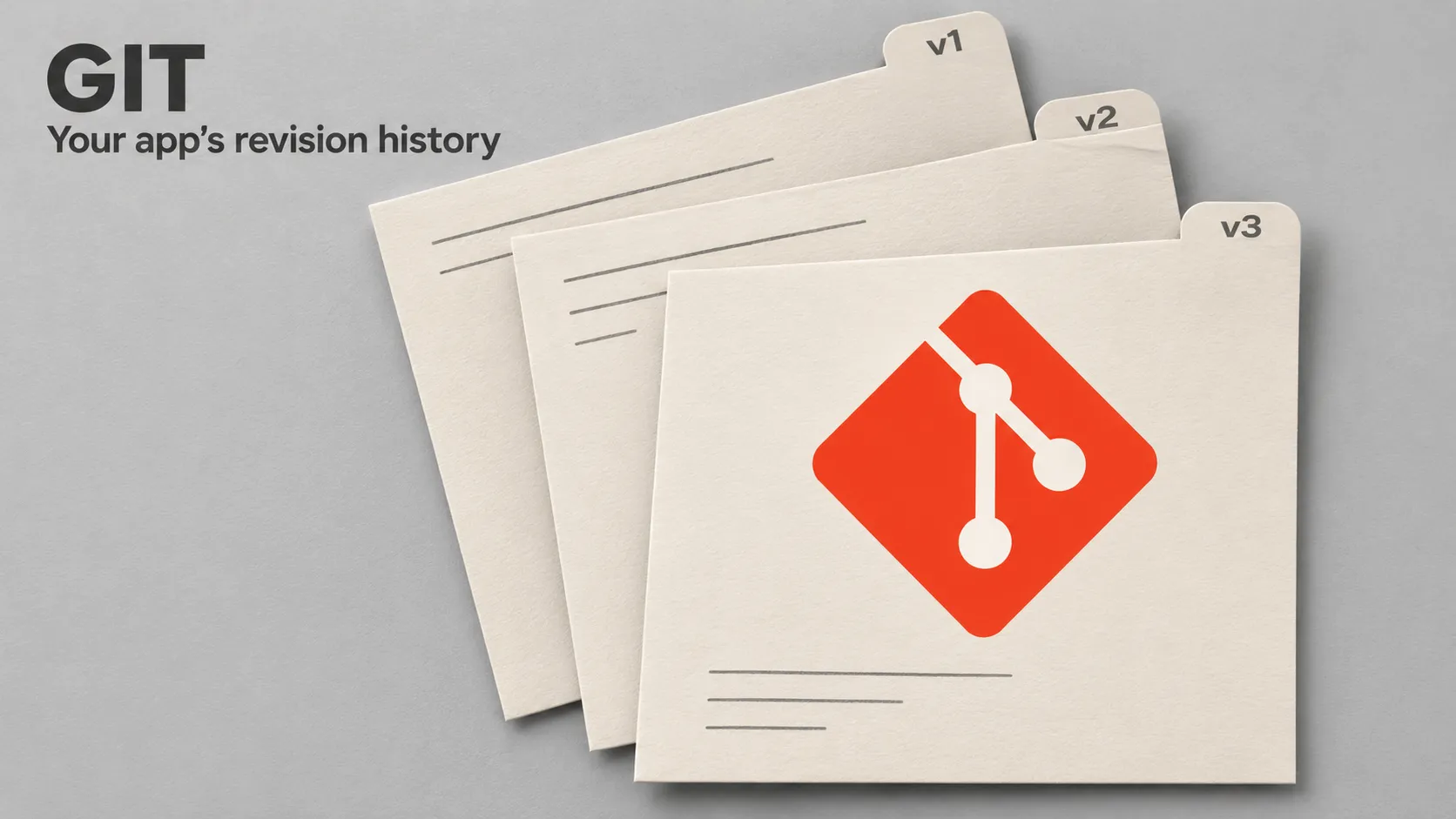
Git provides that kind of history for a software project. Instead of creating a new project folder for every revision, developers record named checkpoints called commits.
The analogy has one important limit: Git does not automatically record every keystroke or every time you save a file. Developers choose which changes to include in a commit.
What Does Version Control Mean?
Version control is the practice of recording changes to files over time so earlier versions can be examined and compared.
In an app project, those files can include source code, automated tests, documentation and configuration intended to be shared with the team.
This makes several questions easier to investigate:
- What changed between two versions?
- Which recorded change introduced a particular line?
- What explanation accompanied that change?
- Which changes belong to a new feature?
- What code should another developer receive when joining the project?
Git records the history developers create. Clear commit messages and relevant documentation provide the context that makes that history useful.
Why Do App Projects Use Git?
To understand changes
Suppose a booking feature previously accepted two seats per request and now accepts five. Git can show the exact code difference rather than leaving the team to compare entire folders manually.
To investigate problems
If the app behaved correctly before a recent update, developers can compare relevant versions and narrow down what changed.
The history provides evidence for an investigation. It does not automatically identify the cause of every bug.
To coordinate contributions
A mobile developer and a backend developer may work on related parts of a feature. Git helps them share recorded changes and integrate their work.
They still need to agree on behaviour, such as which information the API returns and how the app handles an unavailable booking.
To preserve continuity
An MVP often continues beyond its first developer or first release. A maintained repository gives the next contributor a clearer starting point than an unexplained collection of files.
Git is one version control option. The underlying need is a reliable way to manage changes as the software develops.
Git and GitHub Are Different Things
Git is the version control software. You can use it on your computer without creating a GitHub account.
GitHub is a platform that hosts Git repositories and provides additional tools, including code review and issue tracking.
GitLab and Bitbucket are other platforms used to host Git projects. Teams can also operate their own Git servers.
Think of Git as the system managing the revision history, and a hosting platform as a shared place where collaborators can access that history and discuss proposed work.
Creating a GitHub account does not automatically put an existing project under version control. The project must have a repository, and its recorded changes must be shared with the remote when appropriate.
The Basic Git Terms Explained
Repository: the project and its recorded history
A repository, often shortened to “repo,” holds the version control information for a project. In a normal local working repository, a hidden .git directory stores that information alongside the working files.
The working files are the files you open and edit. The repository's history records the versions committed over time.
Commit: a recorded checkpoint
A commit records a project snapshot, together with information such as an identifier, author details and a message.
For example, “Increase booking limit from two seats to five” explains a change more clearly than “Update files.”
A commit is not a certification that the code works. Developers can commit incomplete or incorrect code, so review and testing remain necessary.
Staging area: the changes selected for the next commit
The staging area lets you choose what the next commit will contain.
Imagine preparing a parcel. Editing a file creates the item you might send. Staging selects what goes into the parcel. Committing records the prepared package in the project's history.
If you edit a file again after staging it, those additional edits need to be staged too if they should belong to the same commit.
Diff: a comparison between versions
A diff shows differences, often as lines added and removed. It helps reviewers inspect the actual change rather than relying only on its description.
Remote: another repository used for sharing
A remote is another repository your local project can communicate with. For a team, it is commonly hosted on a service such as GitHub or GitLab.
The remote name origin is a common convention. It is a label for a location, not a special type of storage.
A Simple Git Example Using an App Setting
Imagine a Dart booking feature reads a shared value defining the maximum seats allowed per request. We will record a change to that value in a small practice repository.
This example demonstrates version control. It does not create a complete booking application.
1. Create a practice repository
Install Git using the instructions for your operating system on the official Git website. Then open a terminal and run:
mkdir git-booking-demo
cd git-booking-demo
git init
git init initialises a repository in the current folder. It does not create an online repository or upload anything.
Before making a commit, configure the identity used in this practice repository. Replace the example values with the name and commit email address you intend to use:
git config user.name "Your Name"
git config user.email "you@example.com"
These settings identify commit authorship. They do not sign you into a hosting platform.
2. Create and save a small Dart file
In your editor, create a file named booking_rules.dart inside the practice folder and save this content:
const int maxSeatsPerBooking = 2;This declares a whole-number value. If the syntax is unfamiliar, the explanation of variables, data types and operators provides the foundation.
3. Select and record the initial version
Run:
git status
git add booking_rules.dart
git diff --staged
git commit -m "Set initial booking limit to two seats"
git statusreports the current working and staging state.git addstages the named file's current content.git diff --stagedshows what is staged for the commit.git commitrecords the selected snapshot locally.
The file was initially untracked. Staging it makes its content part of the proposed first commit.
4. Change the limit and inspect the difference
Edit the file so it contains:
const int maxSeatsPerBooking = 5;Save it, then inspect the unstaged change:
git diffThe relevant part of the comparison will resemble:
-const int maxSeatsPerBooking = 2;
+const int maxSeatsPerBooking = 5;
The minus marks the previous line and the plus marks the replacement. They are diff markers, not characters to add to the Dart file.
5. Record the change with an explanation
git add booking_rules.dart
git diff --staged
git commit -m "Increase booking limit from two seats to five"
git log --oneline
You now have two commits. The log lists their abbreviated identifiers and messages, with the newest first in this simple history.
The change is recorded on your computer. No remote repository was configured, so nothing has been uploaded.
Saving, Committing and Pushing Are Separate Actions
These actions solve different parts of the workflow:
- Save: writes your editor's changes to a file.
- Stage: selects content for the next commit.
- Commit: records a snapshot in the local repository.
- Push: sends commits and updates the relevant references on a configured remote, subject to permissions and repository rules.
A saved file may not be committed. A committed change may not be pushed. Understanding that distinction helps explain why a teammate sometimes cannot see work that exists on another developer's laptop.
Developers also fetch changes from a remote. Fetching retrieves repository information without integrating it into the current branch. Pulling fetches and then integrates changes according to the chosen configuration.
What Are Branches and Merges?
A branch gives a line of development a name. Technically, it is a lightweight reference that advances as commits are added to that branch.
For example, a developer might prepare a new booking screen on a feature branch while another prepares a separate fix.
A branch is not a second physical copy of the entire project folder. It helps organise a separate sequence of committed work.
Merging integrates histories. Git can combine many changes automatically, but it may report a conflict when it cannot determine how to combine particular edits.
A developer must then resolve the conflict and check the result. Even a merge with no reported conflicts can introduce a behavioural problem if the combined changes make incompatible assumptions.
Many projects name their primary branch main. The name itself does not prove that its code is tested or ready for release.
What Does a Pull Request Add?
On GitHub, a pull request proposes integrating changes and provides a place to discuss and review them. GitLab uses the term merge request for its corresponding workflow.
For the booking-limit change, a reviewer could ask whether the updated limit matches the product requirement and whether the backend accepts the same quantity.
The review can consider the diff, explanation and relevant test results together.
Pull requests are hosting-platform features. Local Git commits and merges can exist without them.
Is Git a Backup?
A shared remote can provide an additional copy of committed project history. That is useful, but Git does not automatically protect everything an application depends on.
Uncommitted work may exist only on one computer. Commits that have not been pushed may also exist only there.
Production databases, customer uploads, server settings and other operational data need their own appropriate backup and recovery arrangements.
For a booking business, recovering the source code and recovering customers' reservations are different tasks. A repository alone does not establish that both are covered.
Does Pushing Code Publish the App?
A push updates a remote repository. Publishing software requires a release process.
For a mobile app, that process can include building the application, signing it, testing it and distributing it through the relevant store or testing channel.
A team may configure continuous integration and delivery workflows so particular repository events trigger checks or deployments. That behaviour comes from the configured workflow.
The same distinction matters when undoing a change. Git's revert can create a new commit reversing an earlier change, but that does not automatically replace an installed app or reverse a database migration.
Knowing which commit produced a release helps connect source history with the software actually distributed.
What Should an App Repository Contain?
A useful repository contains the material needed to understand and develop the project, such as:
- Application source code.
- Relevant automated tests.
- Dependency declarations and appropriate lockfiles.
- Shared build and development configuration.
- Setup instructions and important architectural decisions.
Generated build output and machine-specific files are often excluded using a .gitignore file.
Ignore rules apply to intentionally untracked files. Adding a file to .gitignore does not remove an already tracked file or erase its earlier committed content.
Credentials and private signing material require suitable handling outside ordinary source history. A private repository is not a substitute for managing secrets appropriately.
Why Git Matters for Solo Developers and AI-Assisted Work
A solo developer still needs to understand earlier decisions, compare experiments and investigate regressions. Collaboration with another person is not a prerequisite for useful history.
The same principle applies when an AI coding tool edits files. A diff lets the developer inspect what actually changed, including edits that may not be obvious from the tool's summary.
Small, understandable commits make that review easier. Git records changes; developers remain responsible for checking their correctness.
What Should a Founder Check During a Project Handover?
You do not need to memorise Git commands to ask useful questions about an app's source code.
- Does the business have continuing access to the relevant repositories?
- Does the recorded code correspond to the current application?
- Are setup, build and release instructions documented?
- Can the team identify the source revision used for a release?
- Are backend code and infrastructure instructions included where needed?
- Are operational backups managed separately from source history?
Repository access supports continuity, but it does not by itself establish legal ownership or make an undocumented application easy to maintain.
Frequently Asked Questions
Is Git a programming language?
No. Git manages versions of files. Developers use languages such as Dart, Kotlin, Java, JavaScript or PHP to write the software whose files Git can track.
Can I use Git without the internet?
Yes. You can edit files, create commits and inspect available local history offline. Communicating with a remote server requires access to that server.
Do I need GitHub to use Git?
No. Git can be used locally or with another hosting service. GitHub adds shared hosting and collaboration features.
Does Git automatically save every change?
No. Saving in an editor and recording a Git commit are separate actions. Standard Git workflows require you to select and commit the content you want recorded.
Can Git be used for both mobile and backend code?
Yes. It can track files for both. A team may keep them in one repository or separate repositories according to the project's organisation.
Do I have to use the terminal?
No. Editors and graphical Git applications can provide interfaces for staging, committing and reviewing changes. Understanding the underlying actions is useful whichever interface you choose.
Does using Git prevent bugs?
Git makes changes easier to inspect and trace. Correctness still depends on implementation, review and suitable testing.
Give Your App a History the Next Developer Can Understand
A useful starting workflow is to inspect changes, stage the intended content, record a clear commit and share it with the team when appropriate. Keep setup and release instructions alongside the code.
For an app that will continue evolving, this creates a more understandable record of what changed and why. That record supports maintenance from the first MVP through later releases.
If you are preparing an MVP or taking over an existing application, explore Damien Musy's expertise for support reviewing the technical foundations, source organisation and delivery workflow that your project needs.